Ask. Don’t dig.
The number you want is wherever you are standing. Every one of them comes from a row you can go and look at.

Four ways to the same answer.
Use whichever one you are nearest to.
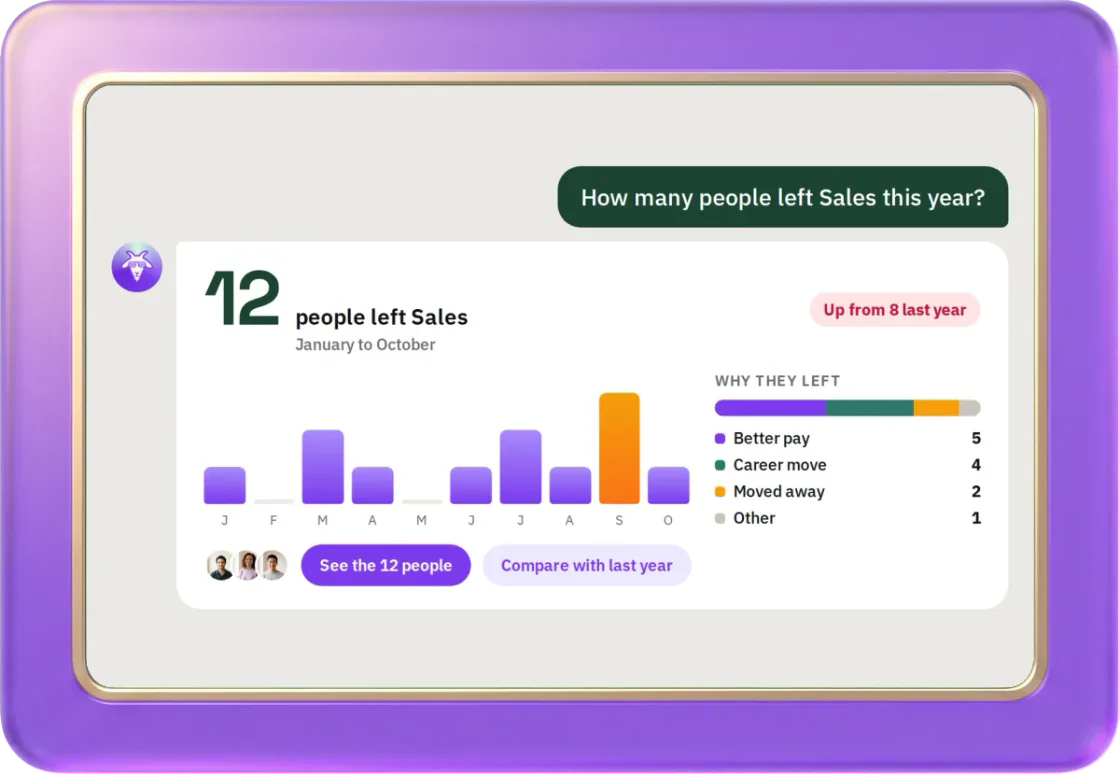
- Ask the goatType the question. It runs the same calculation the screen runs, then checks its own answer before you see it.
- Press the button on the cardEvery figure has one. It explains that number, using the rows it was counted from.
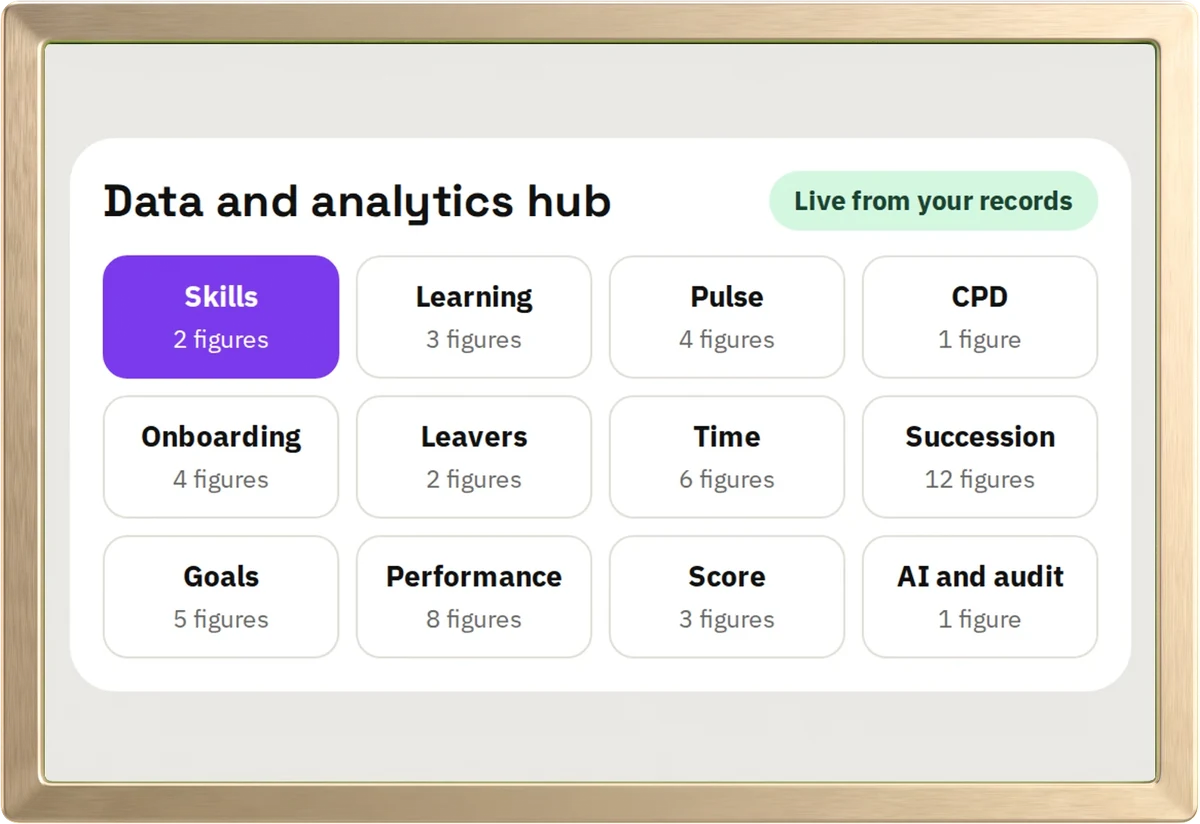
- Open the hubEvery board in one place. Your administrator picks the cards and arranges them.
- Take it with youChoose your columns, name it, download it. CSV or Excel.
One hub. A tab for each module.
Built from the same tables the rest of hr goat writes to. No export, no overnight job, no separate tool to buy.
Draw it the way you read it.
Pick a chart. Split it. Click any part to see who is behind it. Go on, have a go.
- Acme is made up. 264 people.
Ratings this cycle
Acme
- Outstanding
- Strong
- Solid
- Needs support
Draw it from your own people.
1 admin and 4 people, free for good. No credit card.
- Same check at every level. Cannot see it at the top, cannot see it at the bottom.
- Your administrator sets the board. Everyone sees the same one.
Take it to a spreadsheet.
Sixteen ready-made reports. Pick your columns, save it, and run it again next month.
1Start from a report
2Pick your columns
4File
| 1 | Name | Job title | Department | Monthly pay |
|---|---|---|---|---|
| 2 | Elena Mensah | Sales lead | Sales | 4,850.00 |
| 3 | Lukas Brandt | Backend engineer | Engineering | 5,600.00 |
| 4 | Sofia Rahman | Accountant | Finance | 4,300.00 |
Pay: you sign for this
On record: You, Monthly people list.xlsx, 20 Oct, 10:48. Reason: …
Build it from your own people.
1 admin and 4 people, free for good. No credit card.
- Excel or CSV. Pay comes through as numbers, so it adds up.
- Pay needs your name and a reason. Bank details need a second person too.
- Every download is recorded.
One AI across all of it, and every module is in every plan.
If we do not know, it says so.
A confident-looking number with nothing behind it ends up in somebody’s pay review. So we do not draw one.
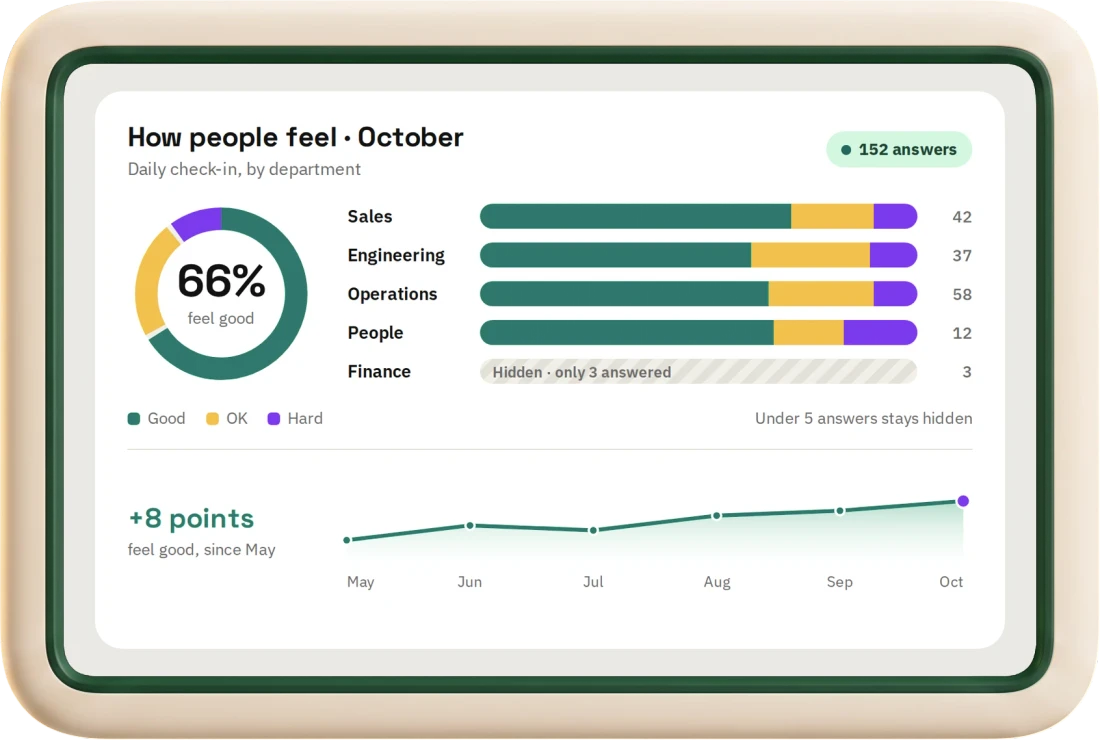
Too few people? No chart.
If a figure would point at a person, it stays hidden. If hiding one cell would let you work it out by subtraction, a second one goes too.
Nothing recorded? Empty state.
It tells you what is missing and where to add it. It does not guess.
Every figure has a source.
Open it and you get the rows it was counted from, under your own permissions.
No forecasts, no benchmarks.
It will not tell you what is likely to happen, or what the industry average is. We do not have one.
The “who is about to quit” score.
We built it. It ranked your people by how likely they were to leave, on a screen their manager could open, and nothing real was feeding it. So we deleted it.
Flight Risk vs Underpaid Champions
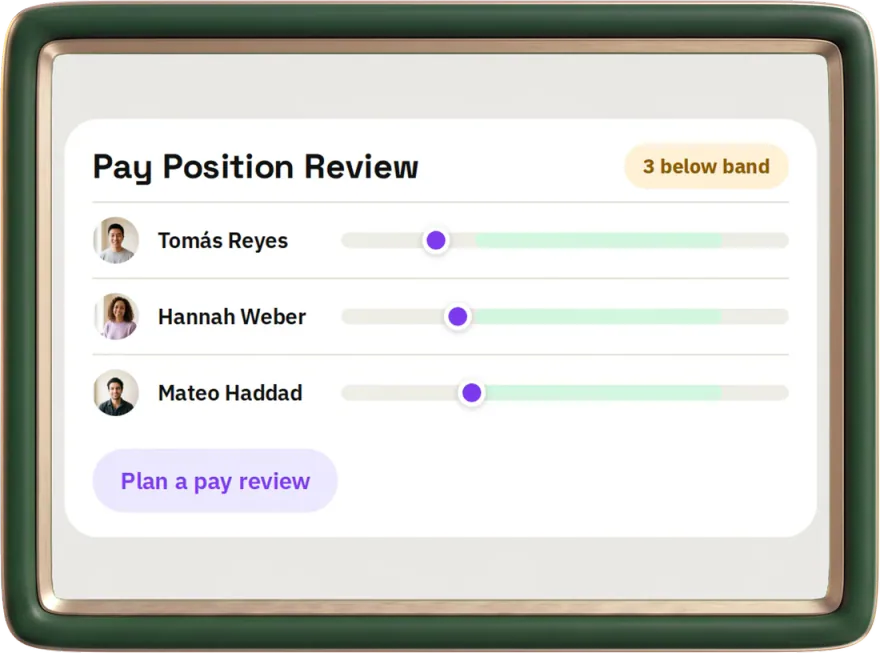
becamePay Position Review
The people whose pay sits below their band. A fact, with rows behind it, that you can do something about this week.